Yarn Stash
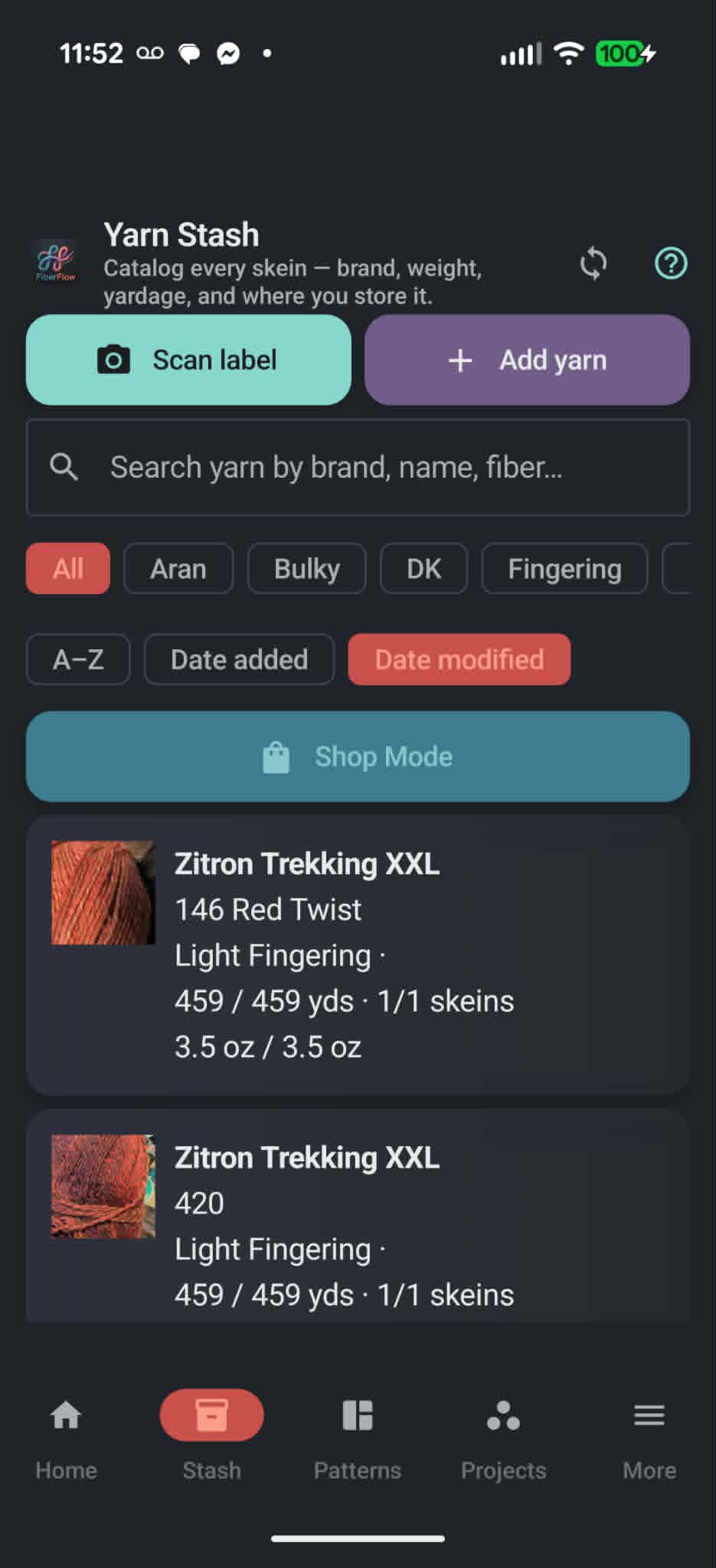
Catalog skeins with brand, weight, and yardage. Scan ball-band labels to auto-fill details and log where each skein lives.
Android crafting companion
FiberFlow helps knitters and crocheters catalog stash, import patterns, track work in progress, connect Ravelry, and keep phones in sync — even offline at the yarn shop.
A dark, cozy interface built for crafters — stash, patterns, and insights at your fingertips.
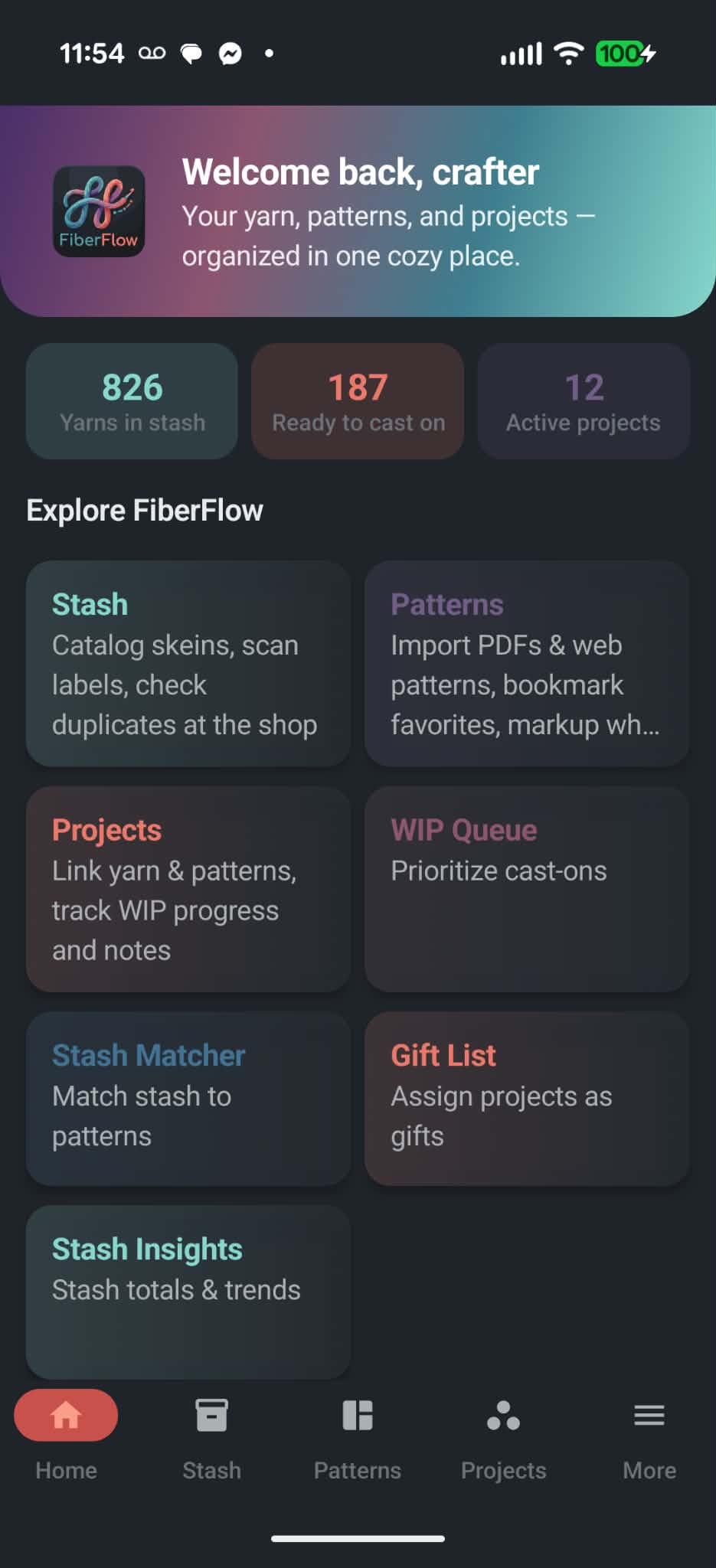
Stash, patterns, and projects in one place — plus Ravelry, Drive sync, and offline shop tools.
Catalog skeins with brand, weight, and yardage. Scan ball-band labels to auto-fill details and log where each skein lives.
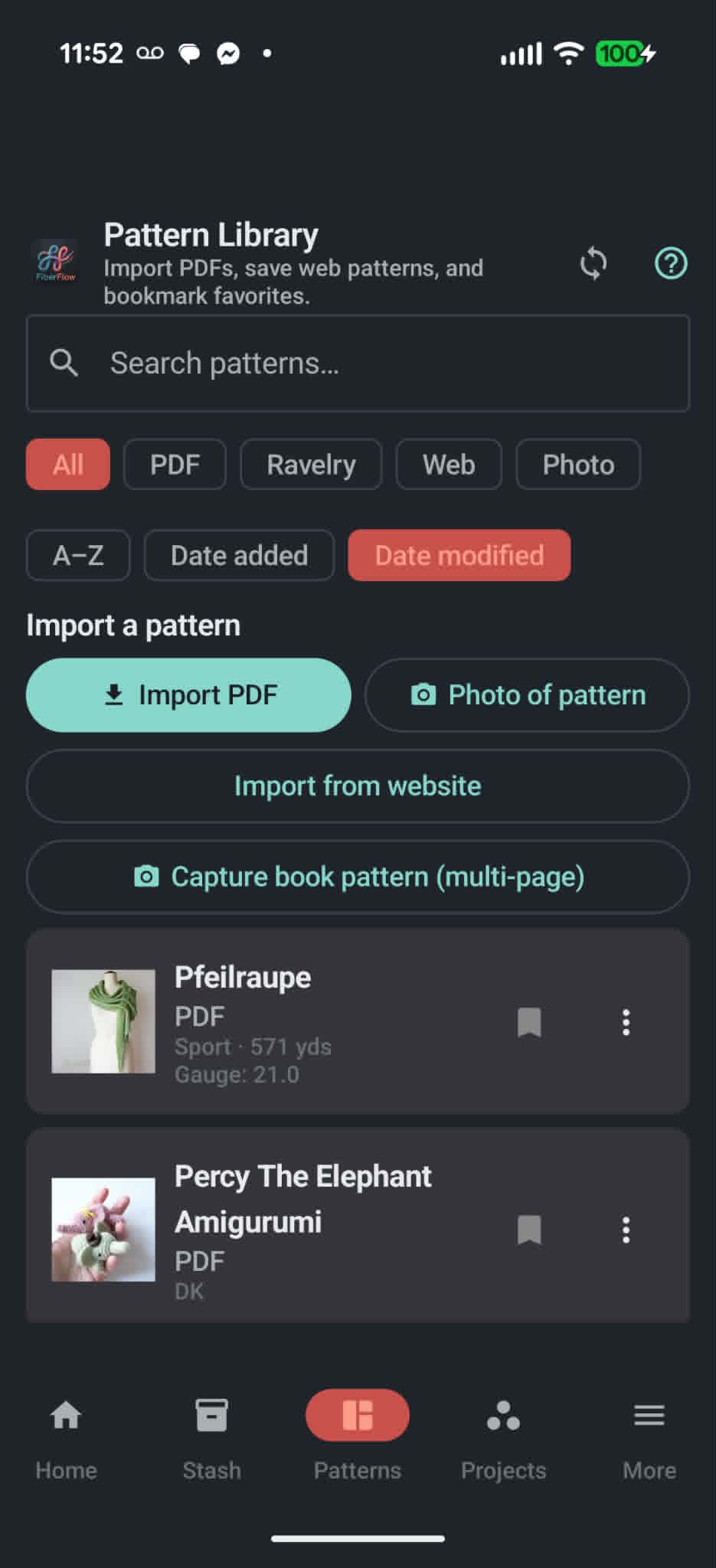
Import PDFs, web links, and book photos. Mark up as you craft, keep floating notes, and hand off a page to a tablet via QR.
Link patterns, yarn, and needles. Reorder your start queue, track progress, and recover yardage when you frog.
Offline duplicate check at the yarn store. Scan barcodes, then see a shopping list of yardage your queued projects still need.
See which saved patterns you can start with yarn and tools you already own — matched by weight, yardage, and needle size.
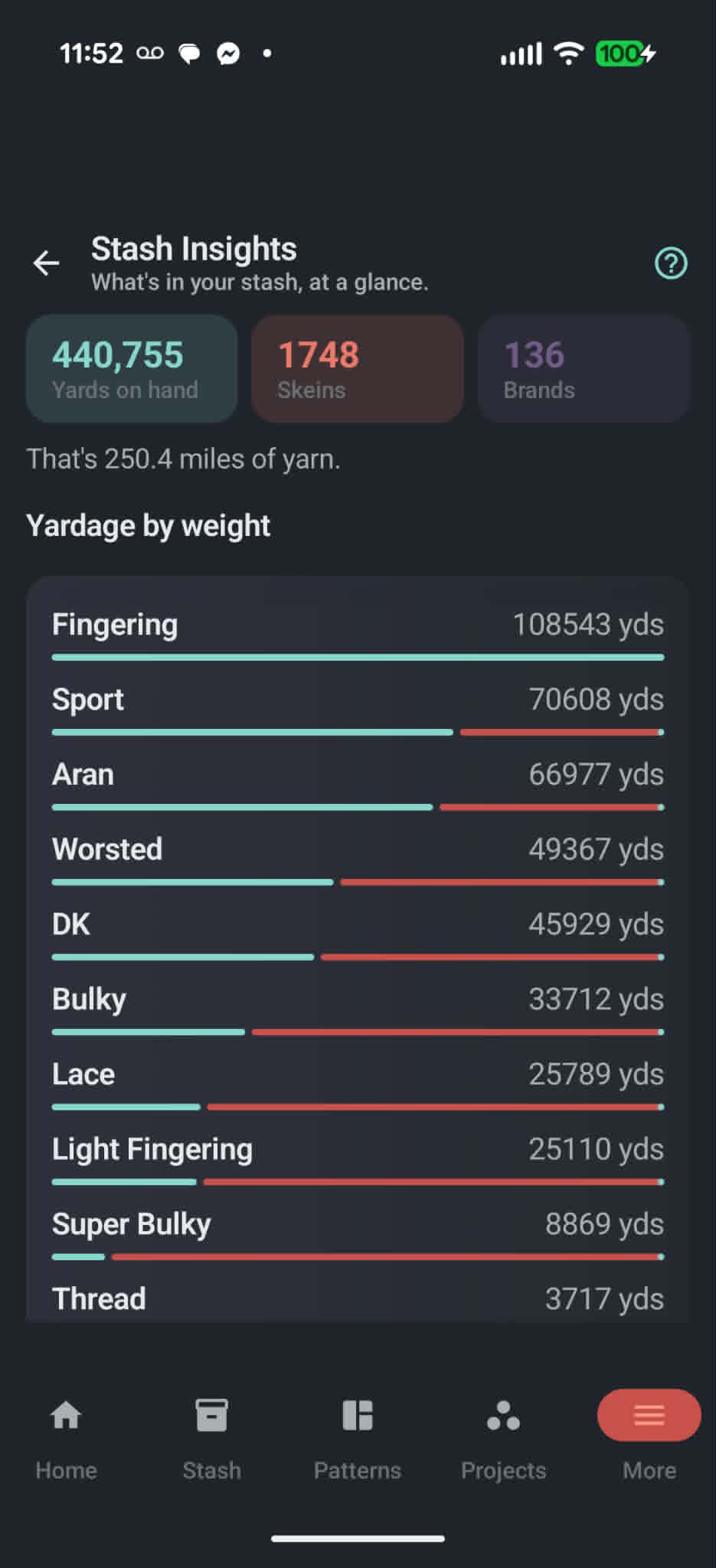
Yardage by weight, skeins by fiber, miles of yarn on hand, and your longest-stashed skeins at a glance.
Sign in inside FiberFlow. Import stash, patterns, and projects, then add, push, or pull individual yarn and project entries.
Optional backup on your Drive. Keep devices in sync pulls a newer copy when you open the app and saves when you leave.
Log needles and hooks, convert gauge, check yarn substitutes, and assign finished pieces on a gift list.
Four simple steps from scattered skeins to a library that travels with you.
Add yarn manually or scan a label photo to auto-fill brand and weight. Use Shop Mode before buying to avoid duplicates.
Bring in PDFs, web links, book photos, or Ravelry patterns with downloadable PDFs. Review auto-detected metadata and mark up as you craft.
Create a project, link stash yarn and tools, reorder your WIP queue, export milestone reels, and recover frogged yardage back to stash.
Connect Google Drive to back up or auto-sync phones on the same account. Connect Ravelry to import your notebook or push and pull one item at a time.
FiberFlow is on Google Play for Android. Join Discord if you want to talk shop or send feedback.
Available now on Google Play.